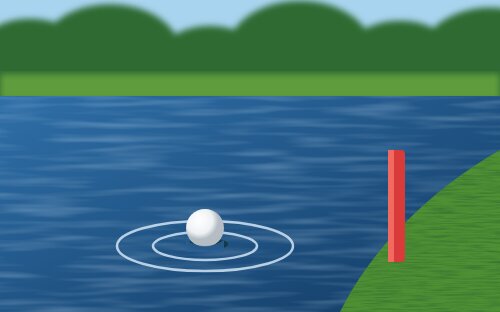
Penalty
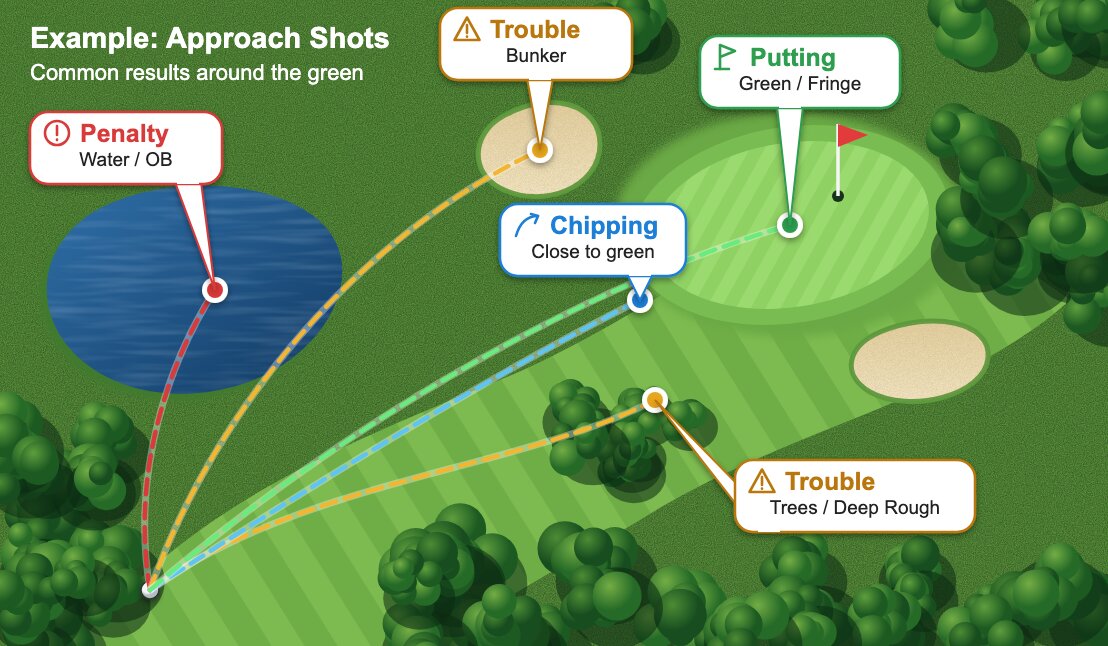
Out of bounds (OB), unplayable lie, water, lateral hazard, lost ball or other penalty.
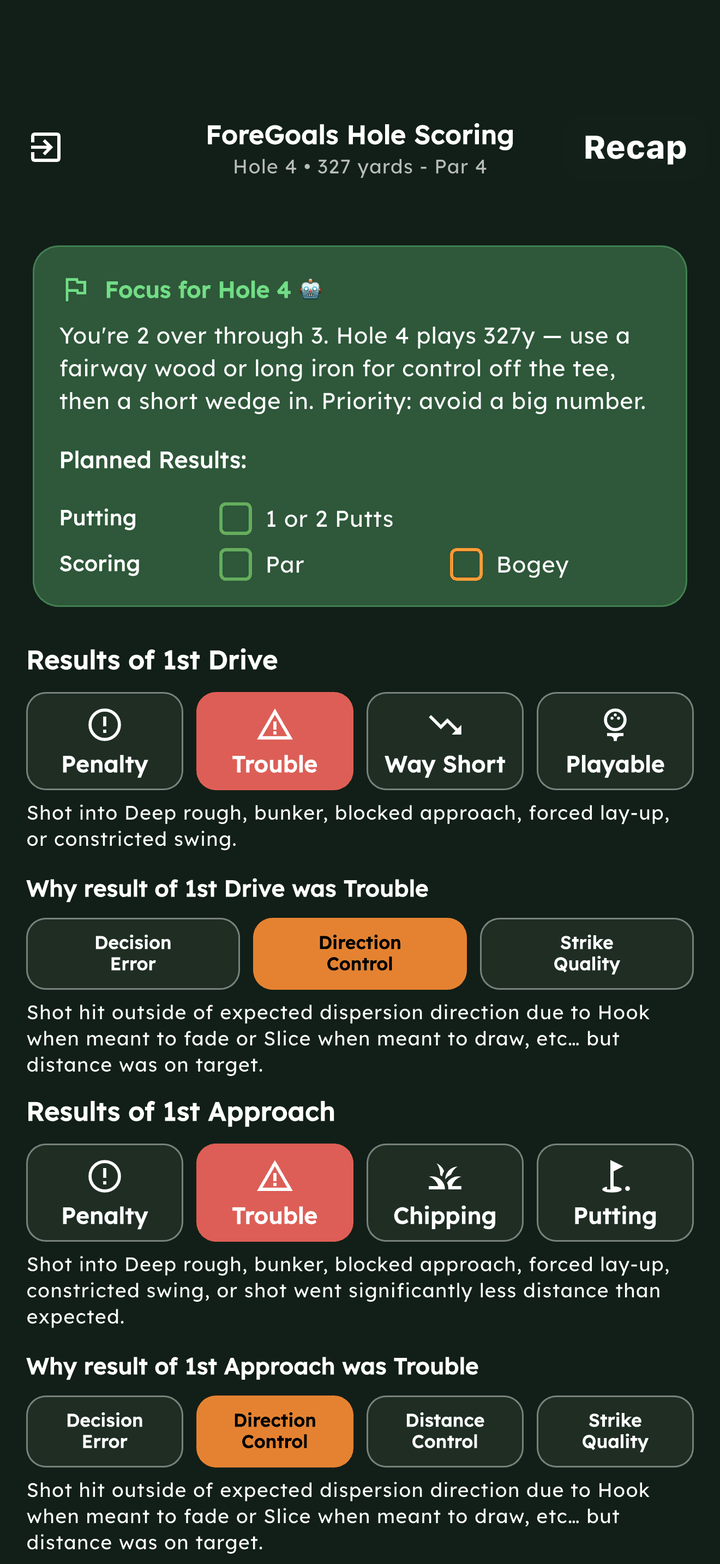
Score a hole in a few taps, one row of buttons at a time. If you're not sure which button fits, the pictures below show you.
Work down the Hole Scoring screen and tap one button in each row.
When a shot goes wrong, ForeGoals also asks why. Once every answer is in, the app moves to the next hole for you.
A small box and number on a button shows how many of that result are left in your plan for the round.
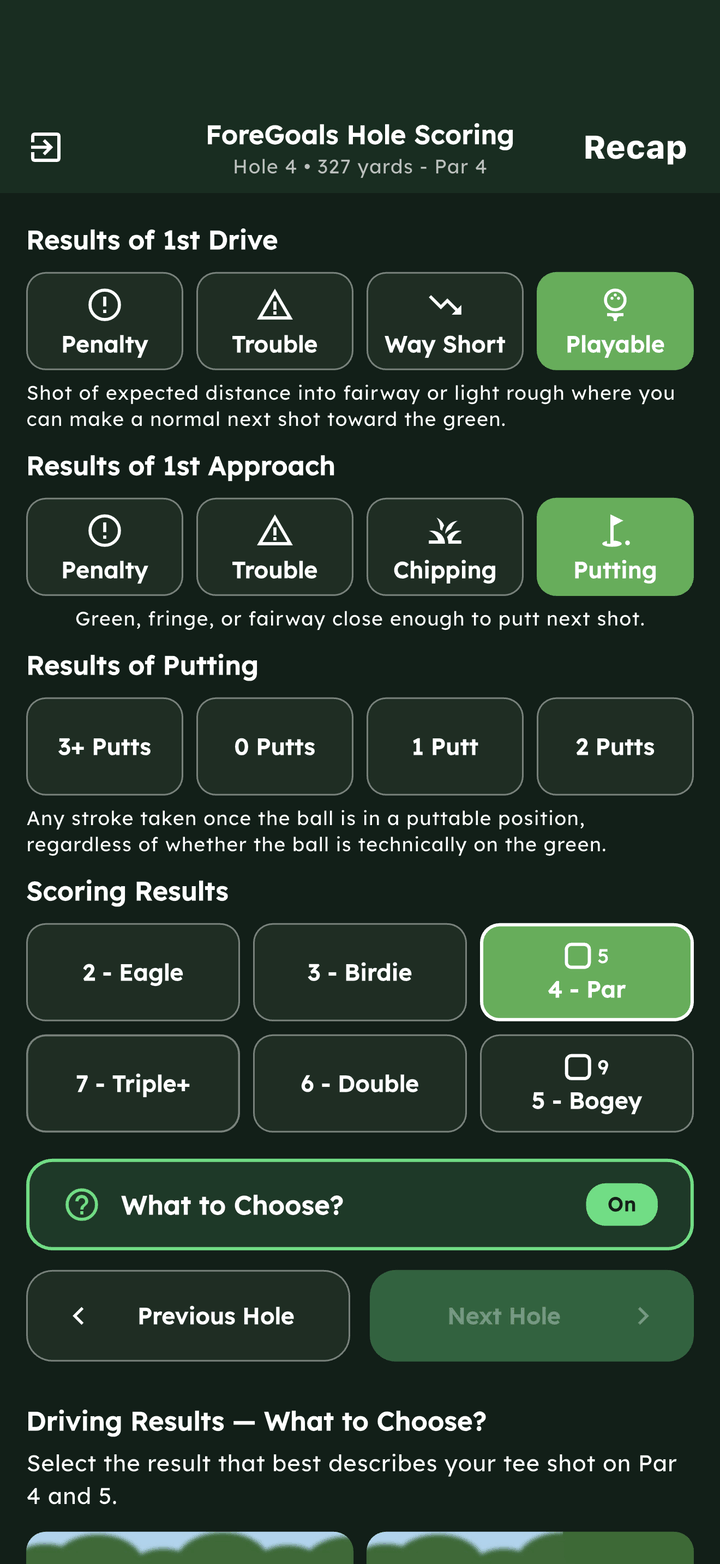
Choose the result that best describes where your tee shot left you.
Out of bounds (OB), unplayable lie, water, lateral hazard, lost ball or other penalty.
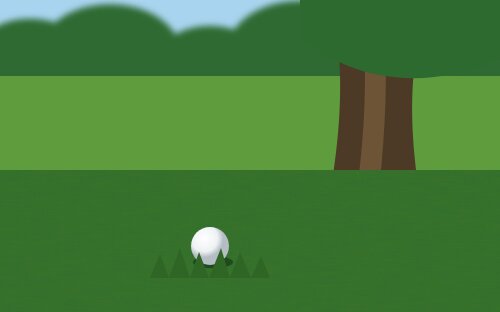
Deep rough, bunker, blocked approach, forced lay-up or constricted swing.
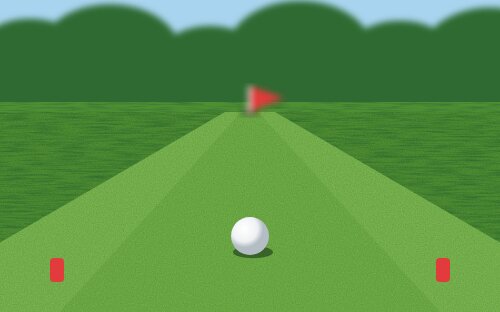
Mishit that finished far shorter than expected, without a difficult lie or blocked next shot.
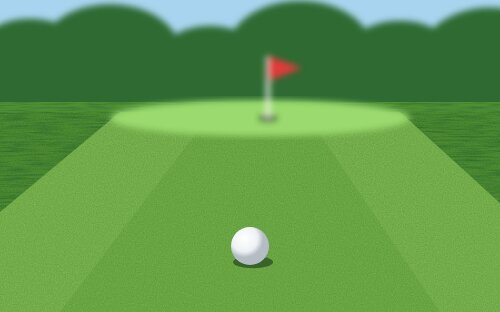
Expected distance into fairway or light rough, with a normal next shot toward the green.
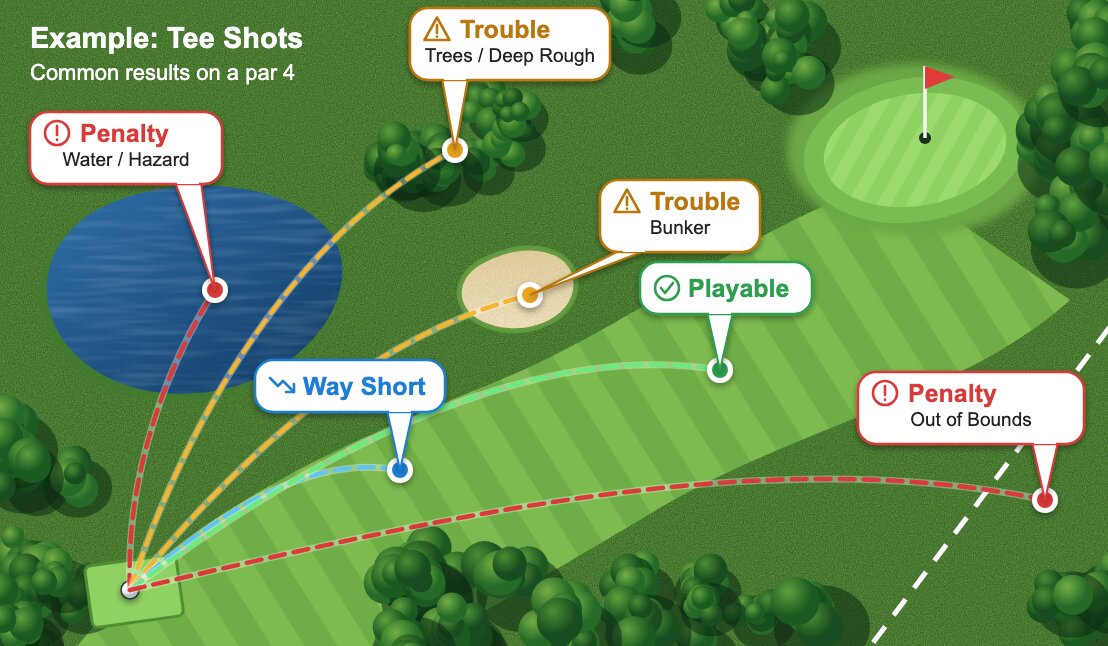
Topped it 75 yards down the middle of the fairway? That's Way Short. Topped it 75 yards into the trees? That's Trouble, because your position limits your next shot.
If more than one fits, pick the first one that applies: Penalty, then Trouble, then Way Short, then Playable. A drive only 10 or 20 yards short of normal is still Playable, and so is a shorter club you meant to hit, if it went the distance you intended.
Your first shot of approach length on a par 4 or 5, or your tee shot on a par 3. Choose by what your next shot will be.
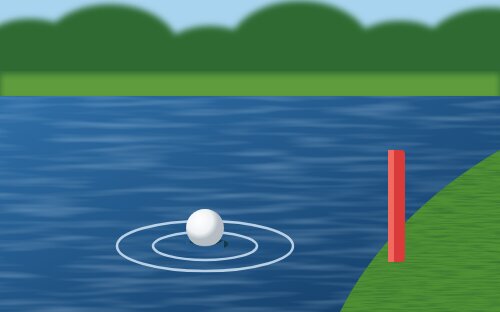
Out of bounds (OB), unplayable lie, water, lateral hazard, lost ball or other penalty.
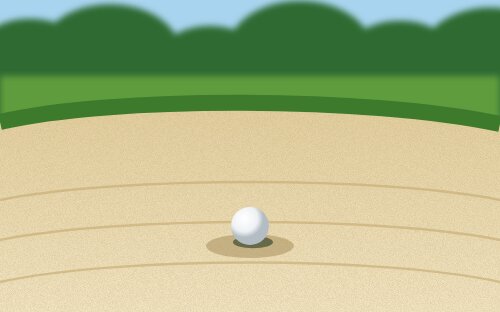
Deep rough, bunker, blocked approach, forced lay-up, constricted swing, or significantly less distance than expected.
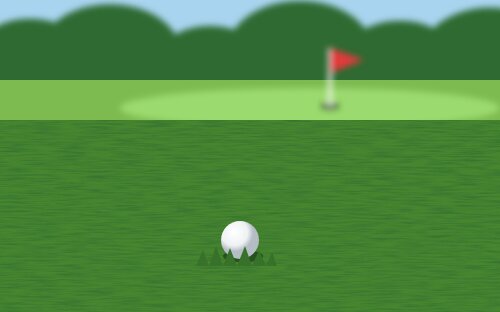
Rough or fairway close enough to chip next shot.
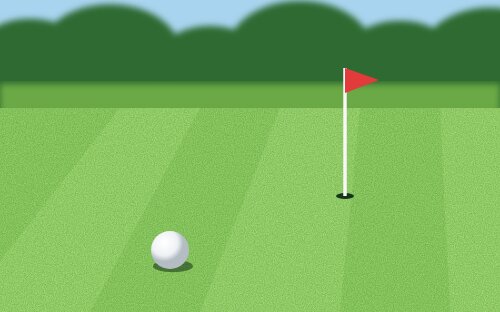
Green, fringe, or fairway close enough to putt next shot.
This row appears when your approach wasn't Putting. It records the first shot after an approach that missed the green, using the same four buttons and meanings as the approach pictures above.
A putt is any stroke taken once the ball is in a puttable position, whether or not it's technically on the green.
Each button shows the strokes for that score on this hole, so a par 4 shows , and . For anything worse than a double, tap and enter your actual score.
When a shot doesn't go to plan, ForeGoals asks for the main cause, so your stats can show patterns and not just bad holes. You'll be asked after a Penalty, Trouble or Way Short drive, a Penalty or Trouble approach, and a Penalty, Trouble or Chipping recovery.
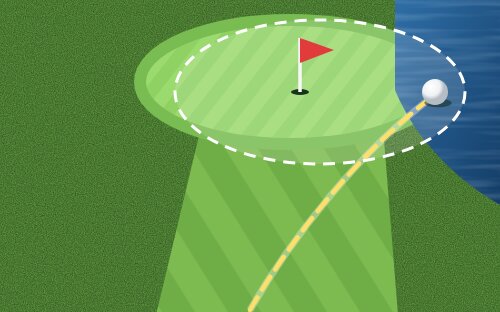
Shot hit into expected dispersion range, but result was bad because of aggressive strategy (target dispersion included hazards) or incorrect aim.
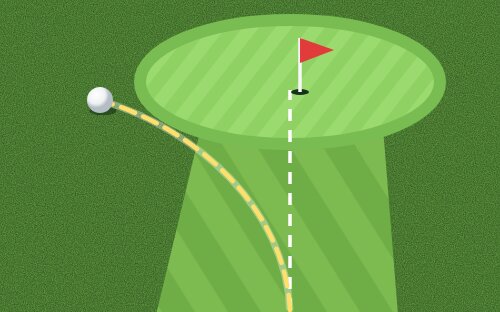
Shot hit outside of expected dispersion direction due to a hook when meant to fade or a slice when meant to draw, but distance was on target.
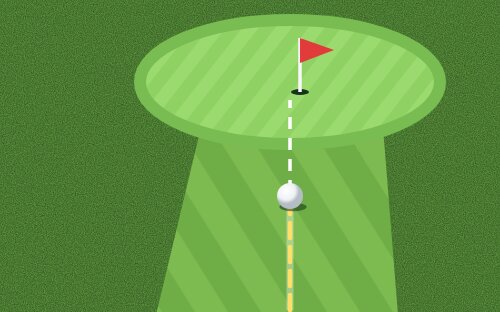
Shot hit outside of expected dispersion distance due to incorrect club or swing power, but direction was on target. Approach and Recovery only.
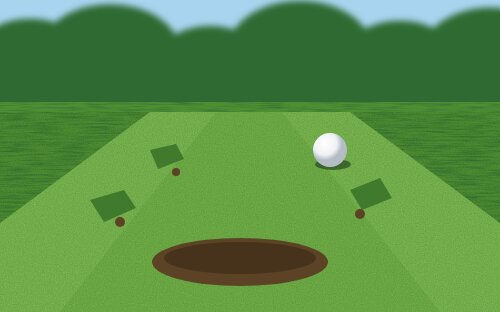
Bad strike resulted in a shot outside of expected dispersion distance or direction (fat, top, chunk, skull, thin, shank).
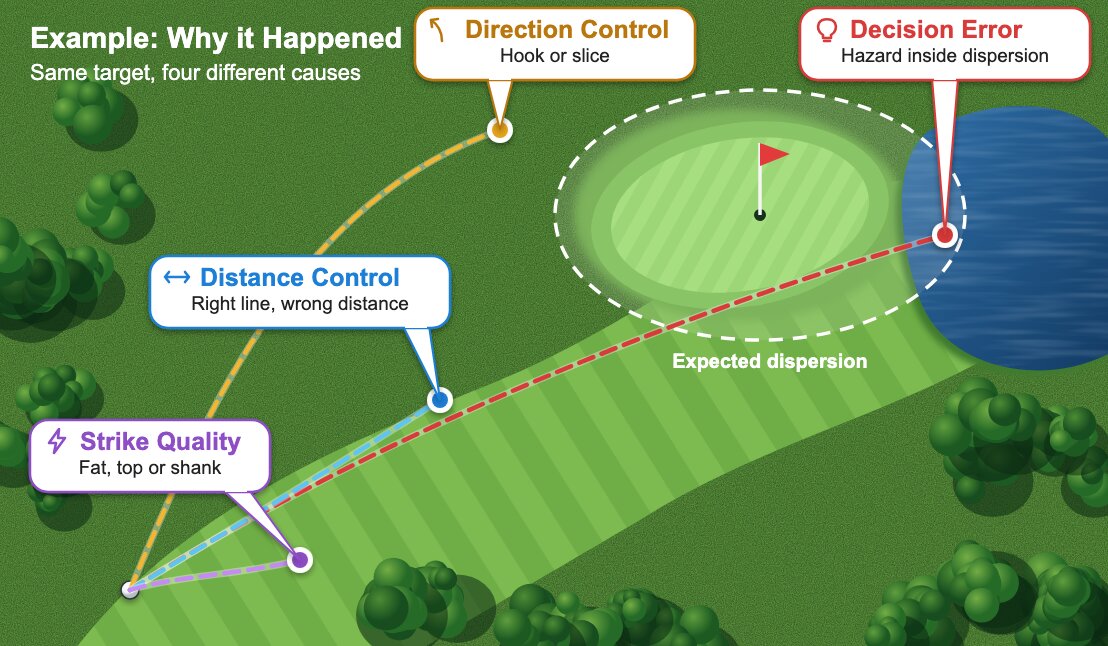
If you hit the shot about the way you normally do, and it still found trouble because of your target or aim, it's a Decision Error. Otherwise, pick what went wrong with the shot: line, distance or contact. Drives offer Decision Error, Direction Control and Strike Quality.
You don't have to remember any of this. The large button sits just above Previous Hole and Next Hole on the scoring screen.
On: each row explains the button you tapped, and these same pictures appear below Next Hole.
Off: you see only the buttons, for faster scoring once you know them. ForeGoals remembers your choice for your next round.